I’ve been taking an iterative approach to building Claudaborative Editing: build something to prove that the underlying concept works, then evolve on top of that. The first two iterations were answering a question I had: can an LLM genuinely improve the writing process? Along the way, I found a more important question: can it be done without contributing to the masses of generated slop we see?
Having seen the underlying idea working, I needed to answer the next question: can it be brought into the actual writing environment? Can it be useful, but keep out of the way?
Can you talk to an LLM from within WordPress, and have it talk back? I think I’m onto something, and it’s alot of fun.
Coming to a WordPress Near You
Naturally, the next step was to build a WordPress plugin that provided a straightforward interface to the LLM backend. You still install the tool to run with your local copy of Claude Code, but once it’s running, you can do everything directly from the block editor. The plugin is waiting to be approved for the WordPress.org plugin directory, but you can download it directly from the GitHub repo now.
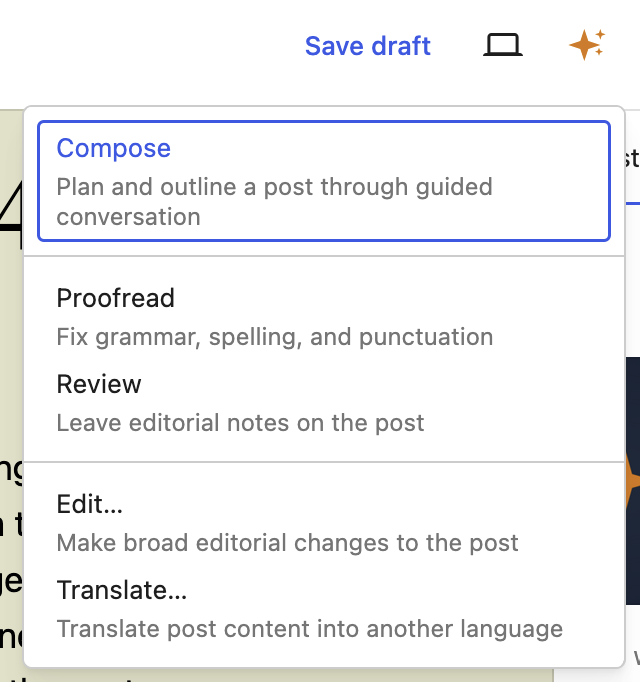
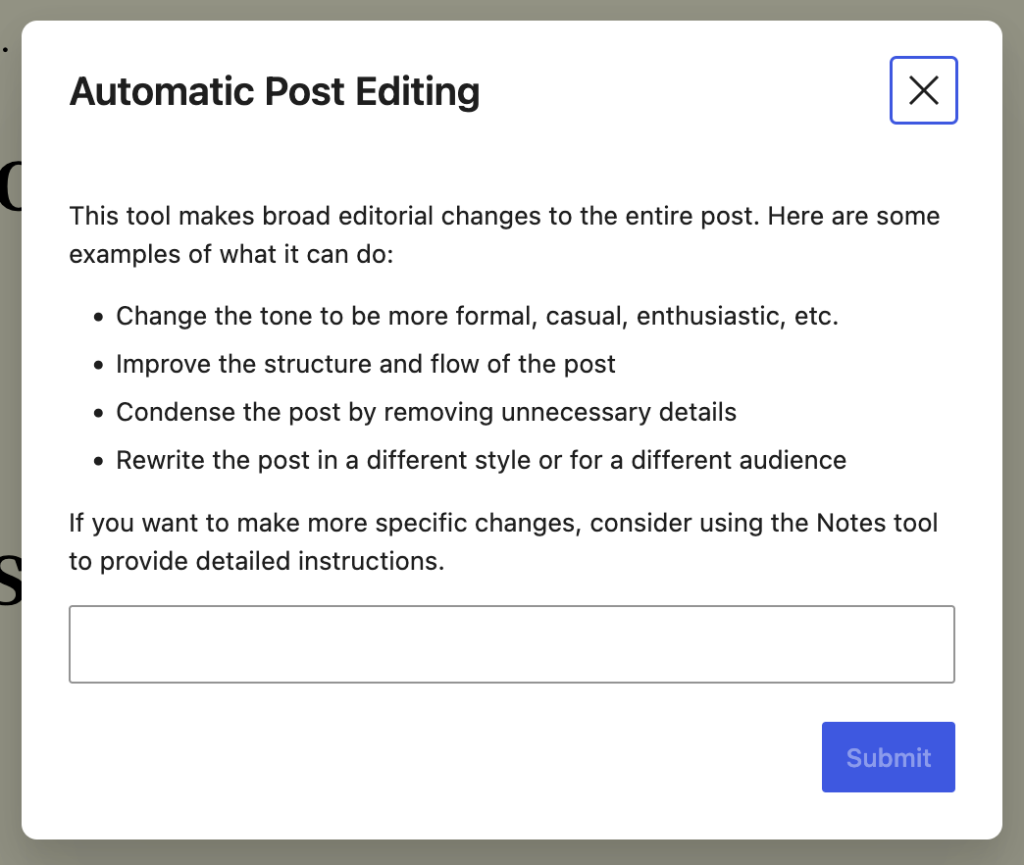
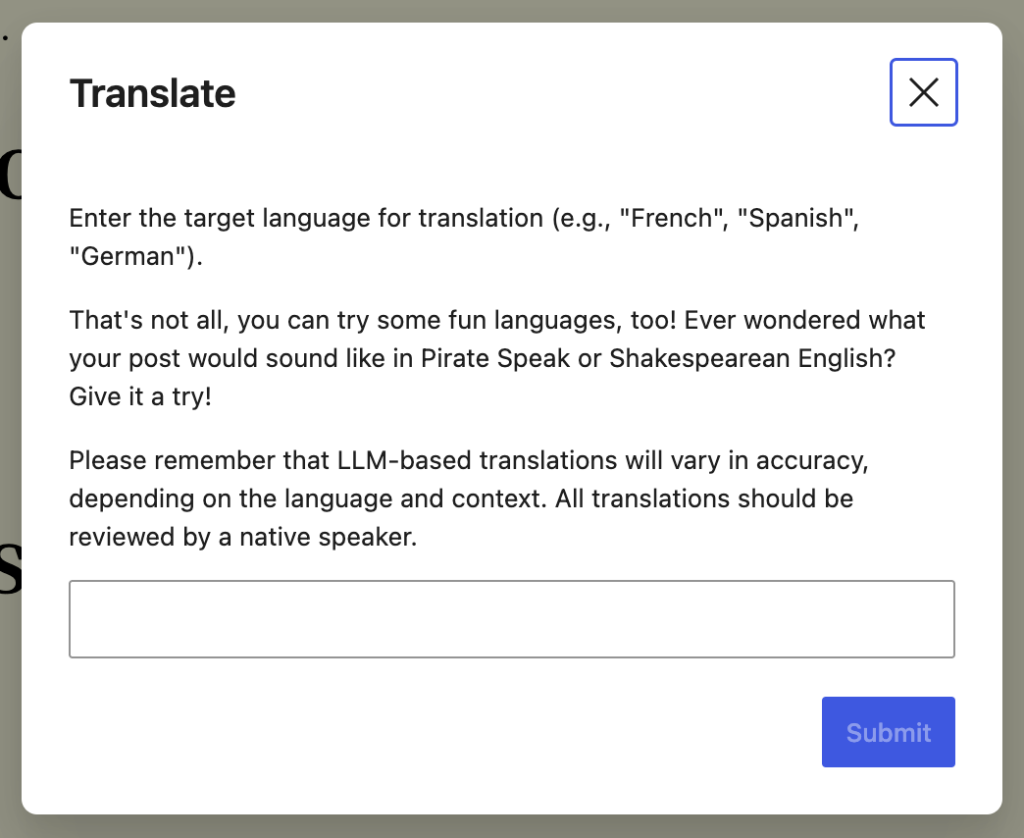
Tools are easily accessible when you need them, but otherwise stay out of your way. You choose how much input you want the LLM to have in your writing: it can fix things up for you, or you can ask it to just leave notes and you’ll decide how you want to proceed. Personally, I prefer to do the work myself, but everyone can choose their level of comfort.
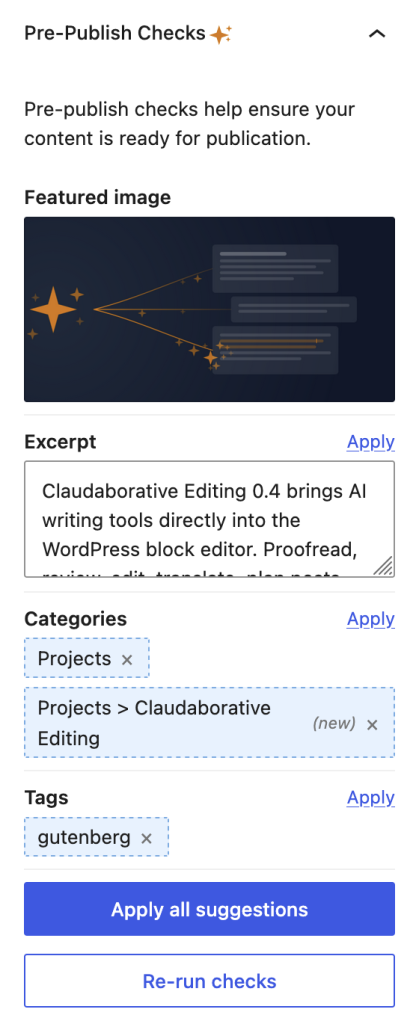
That said, one of the things I often forget to do when writing a post is to tag it properly. If I do remember, I’m never sure what to tag it with. By the time I get to publishing, I’m impatient just to get it out in the world! So, now there’s a button that’ll give suggestions right before publishing, letting you pick and choose which suggestions to use, and what to drop.
Planning is a Conversation
I always start Claude Code in planning mode, and I wanted that for posts, too. That’s where I started this post, and I can absolutely see myself using this every time I need to write a post. Not to do the writing for me, but to help me organise my thoughts. I opened the Compose mode in the sidebar, I had it summarise the changes that I’ve made in the last 2 weeks, and present a few options for how to collate them. Some I kept, some I dropped.
In a lot of ways, it’s more like a very advanced ELIZA, though rather than just reflecting your words back, it reflects your ideas back in a more structured form.
What’s next
I’ll be honest, I’m really happy with how this has turned out so far! I’d love to hear your feedback as you use it. What would you like to see here? I’ve already noted down a bunch of ideas that came up just while I was writing this post, so there are definitely more things to come!
Go ahead and give it a shot now:
npx claudaborative-editing start
Related Posts

The Biggest WSOP Winners Without a Bracelet
These players have earned millions at the WSOP but still…

The Biggest Hands from HCL’s Million Dollar Cash Game
Both Alan Keating & Nik Airball recorded profits of $1M+

MSPT Partners with Seminole Hard Rock for 2026 Rock ‘N’ Roll Poker Open; Each Champion to Win a Seat
The $3,500 buy-in MSPT Championship will feature a $2,000,000 guarantee.